Exercise 3: The Flash Crash
Time: 30 min
Previous: Exercise 2: The Subterranean Divide
Next: Exercise 4: The Rising Tide

Asian markets are melting down. The quants need a calculation engine now. You will provision a fully configured VM (disk, secondary volume, production network, SSH key, cloud-init, fixed IP) in one pass.
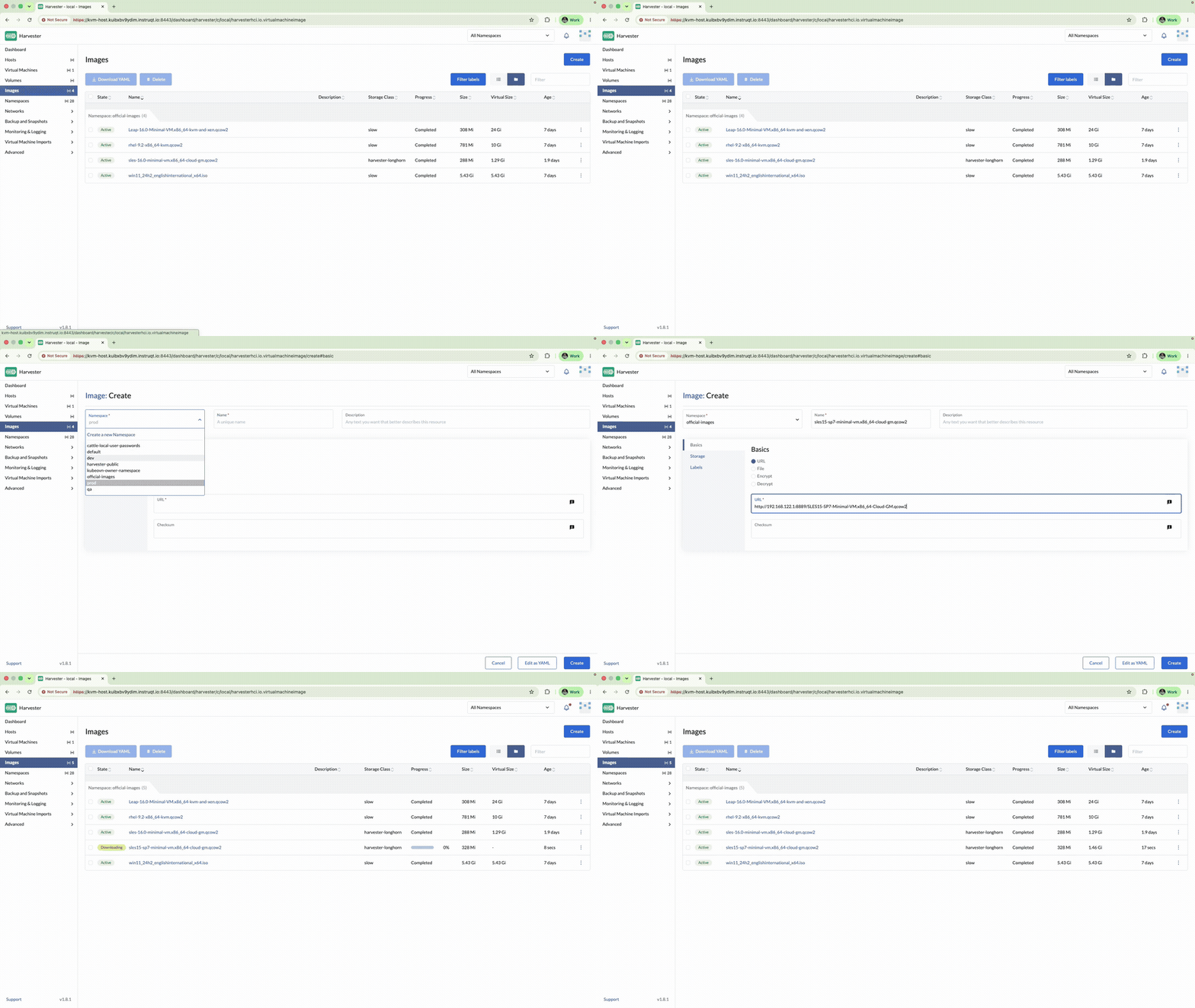
3.1 Confirm the OS image
Images - confirm your Exercise 2 cloud image is Active (for example official-images/sles16 or the Leap Micro image you uploaded).
3.2 Create algo-trader-01
Virtual Machines → Create:
| Field | Value |
|---|---|
| Name | algo-trader-01 |
| Namespace | prod |
| CPU | 2 |
| Memory | 2 GiB |
| SSH Key | prod/default |
Labels → Add:
| Key | Value |
|---|---|
stage |
prod |
Do not click Create yet.
3.3 Volumes and network
Volumes tab:
- Root volume: select your cloud image, size 5 GiB (the cached image's
own virtual size is under 2 GiB, so 5 GiB leaves comfortable room). If you
swapped in a different image, check Images for its real virtual size
first — Longhorn/Harvester can't shrink a cloned volume below that figure,
so sizing the root volume smaller than it leaves the PVC permanently
Pendingand the VMErrorUnschedulableforever. - Add Volume → name
market-data-vol, size 1 GiB
Networks tab:
| Field | Value |
|---|---|
| Network | prod/service |
3.4 Cloud-init and fixed IP
Advanced Options → Cloud Configuration:
- User Data Template:
prod/prod(if you created it), or paste equivalent user-data - Network Data:
version: 2
ethernets:
  eth0:
    addresses:
      - 192.168.122.50/24
    gateway4: 192.168.122.1
    nameservers:
      addresses:
        - 192.168.122.1
Note:
eth0is the confirmed interface name on the cached image this workshop uses (the kernel also exposesenp1s0as an altname for the same NIC, buteth0is the primary name netplan/cloud-init sees). Other images may name it differently — if the VM boots without the static address, checkip linkin the web console and adjust.
Node Scheduling (optional): run on nodes matching label stage=prod only if you labeled hosts; otherwise leave default (any node).
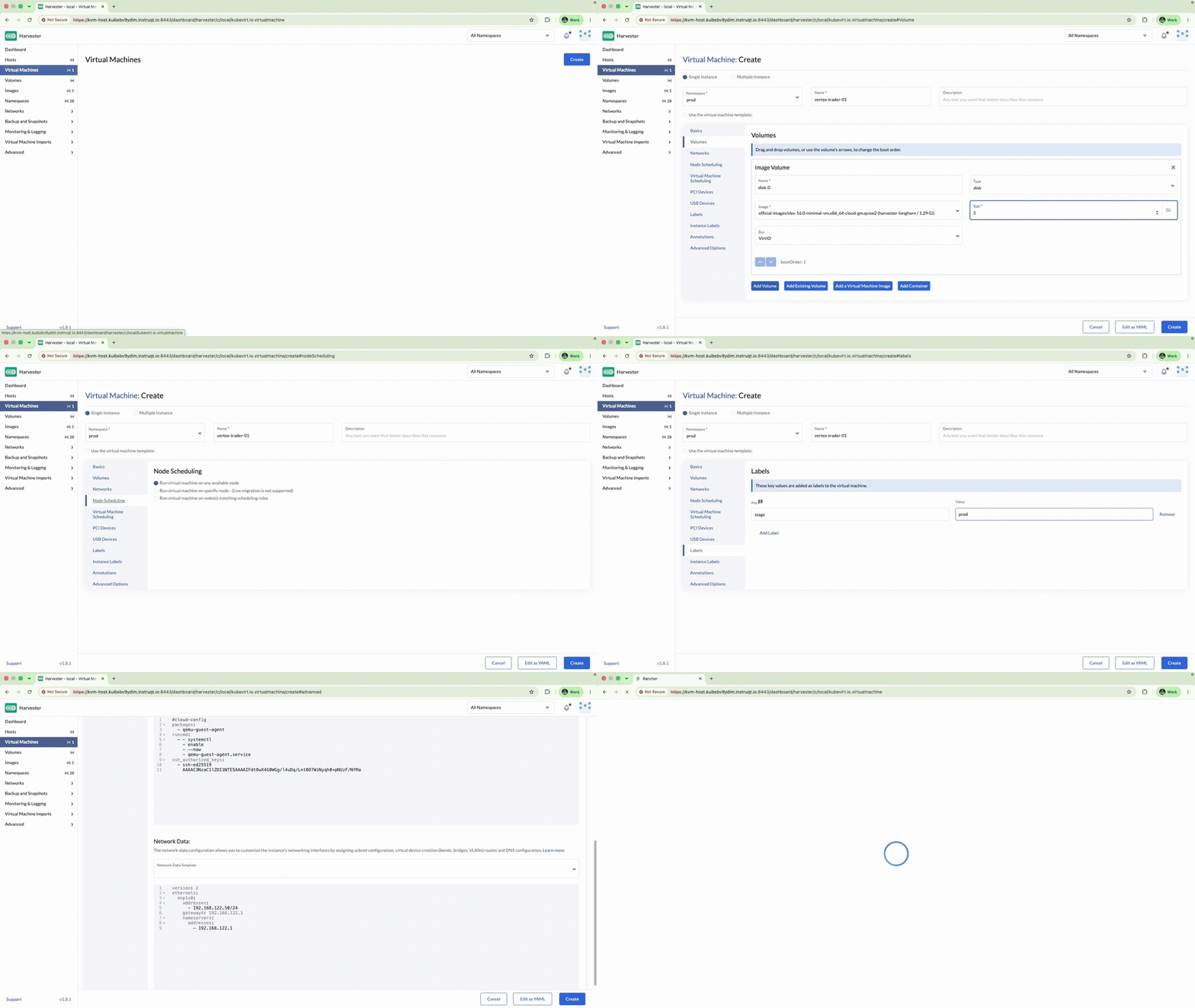
Click Create. Wait until the VM is Running and shows an IP.
3.5 Web console and SSH
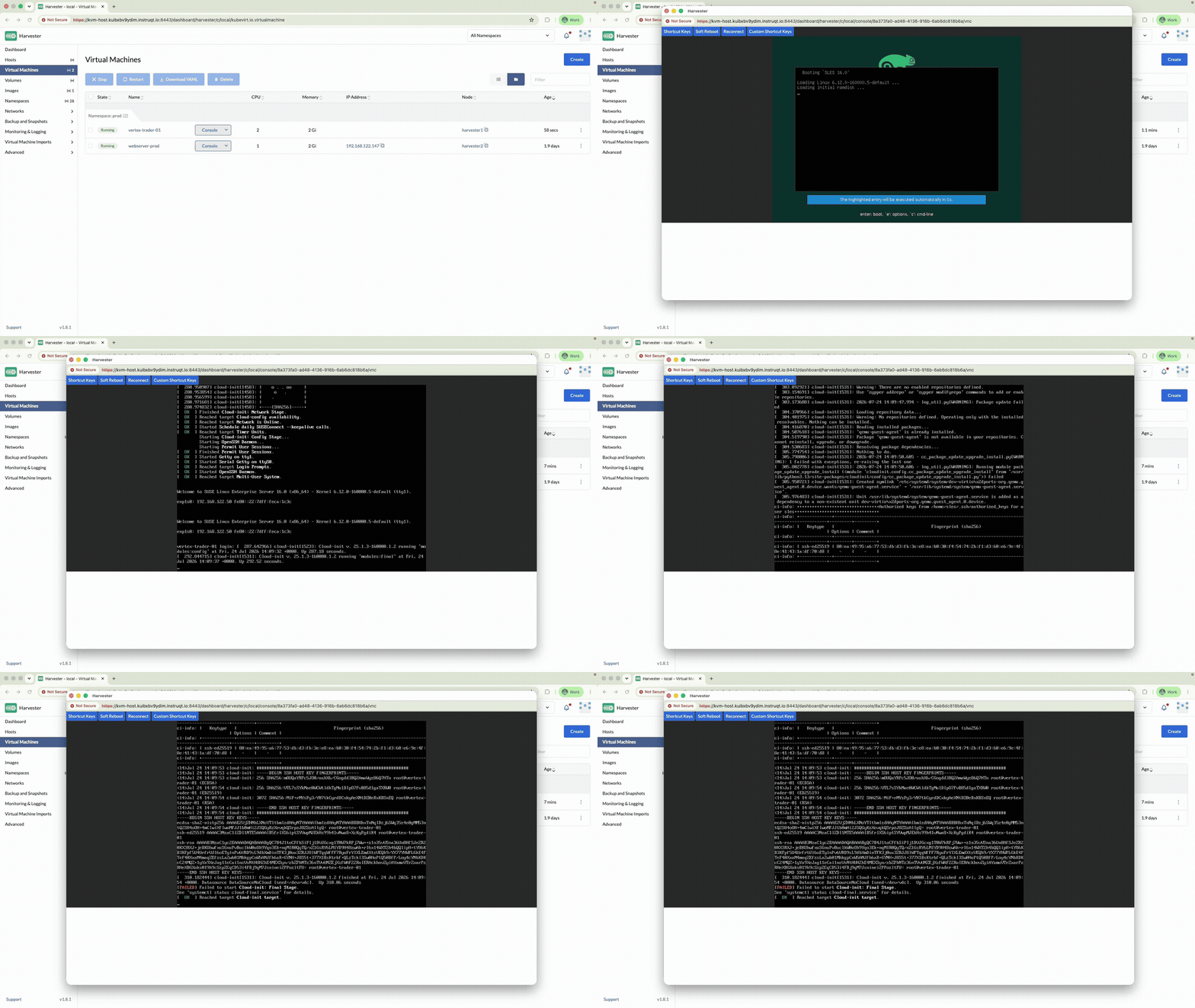
- Open the VM → Console and confirm login / cloud-init finished.
- From the KVM host:
ssh -o StrictHostKeyChecking=no sles@192.168.122.50
# or the default user for your image
hostname
exit
Check your work: /opt/suse-virt-workshop/checks/check-exercise-3.sh.